
AI-only translations are not consistent - LoopWord makes your communication consistent
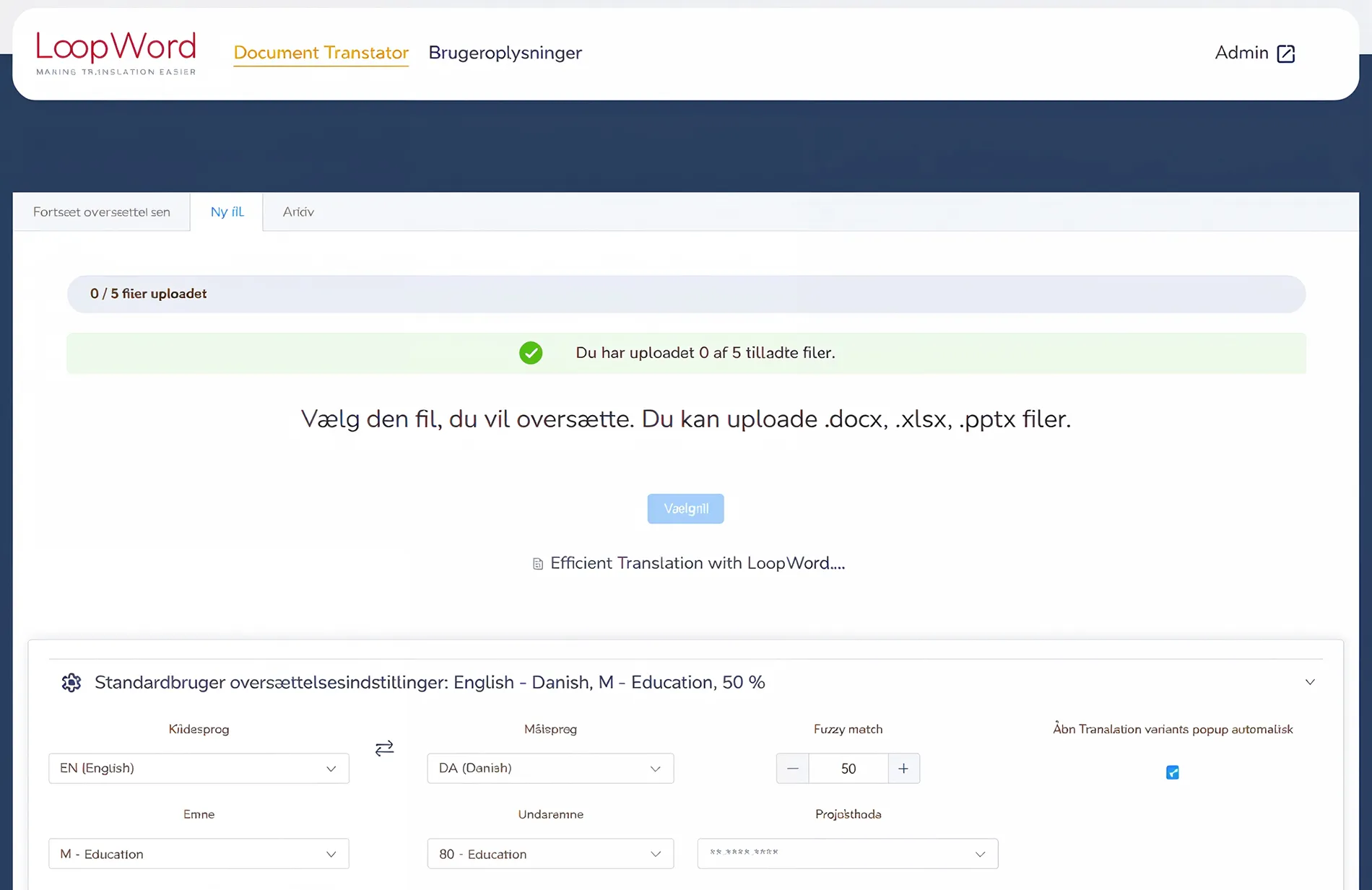
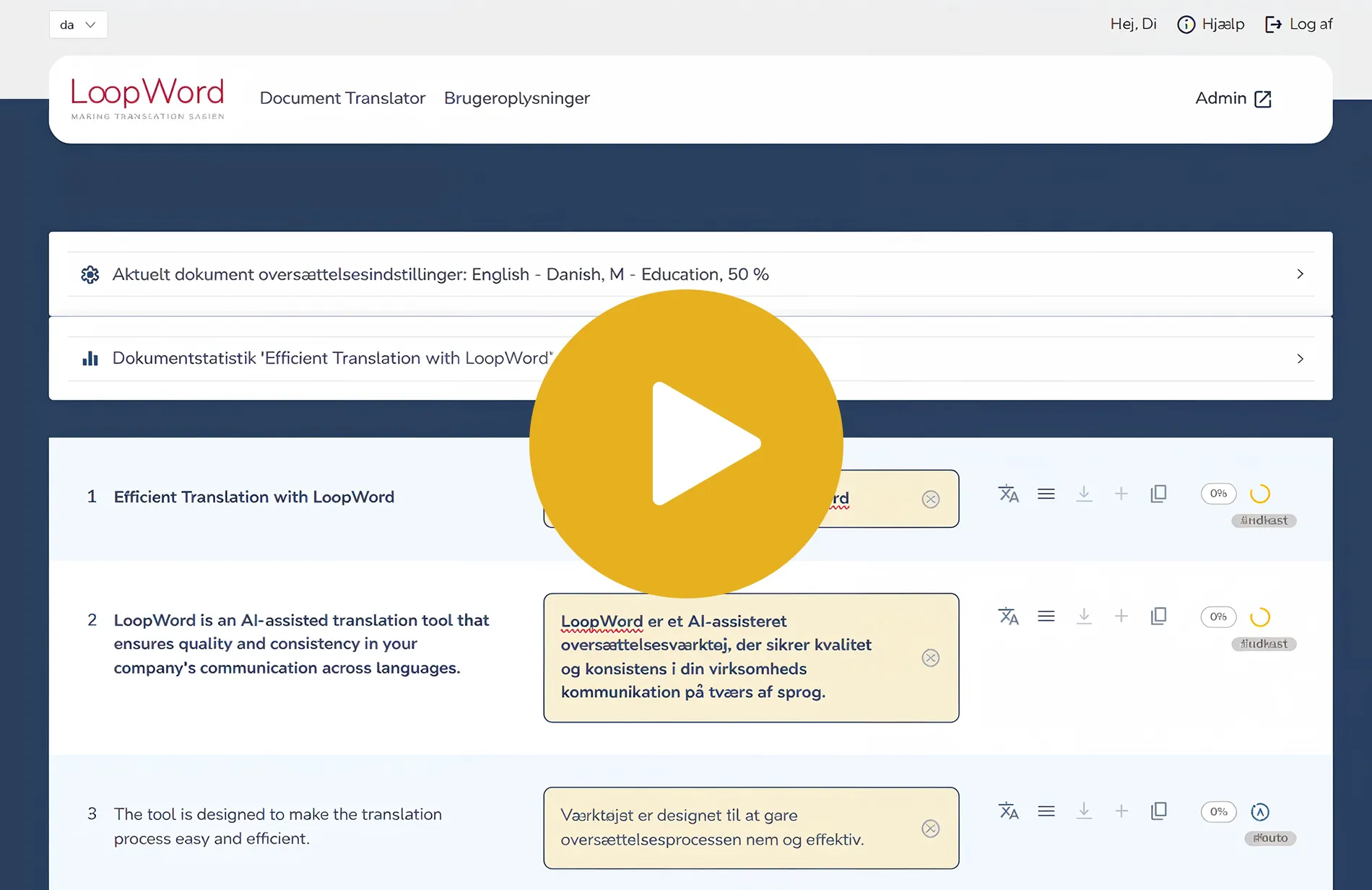
With LoopWord you can easily upload and translate Word, Excel, PowerPoint and InDesign files. The translation tool has integrated memory, term base and access to AI ensuring fast, consistent translations without compromising on quality.
In LoopWord, you work directly in the browser, where all linguistic knowledge and translated content is synchronized and stored in the Memory — nothing is lost, and everything can be reused.
LoopWord works in the browser with your translations, but just like when you use Netbank or e-conomic for your money and accounts, the system is designed with top security.
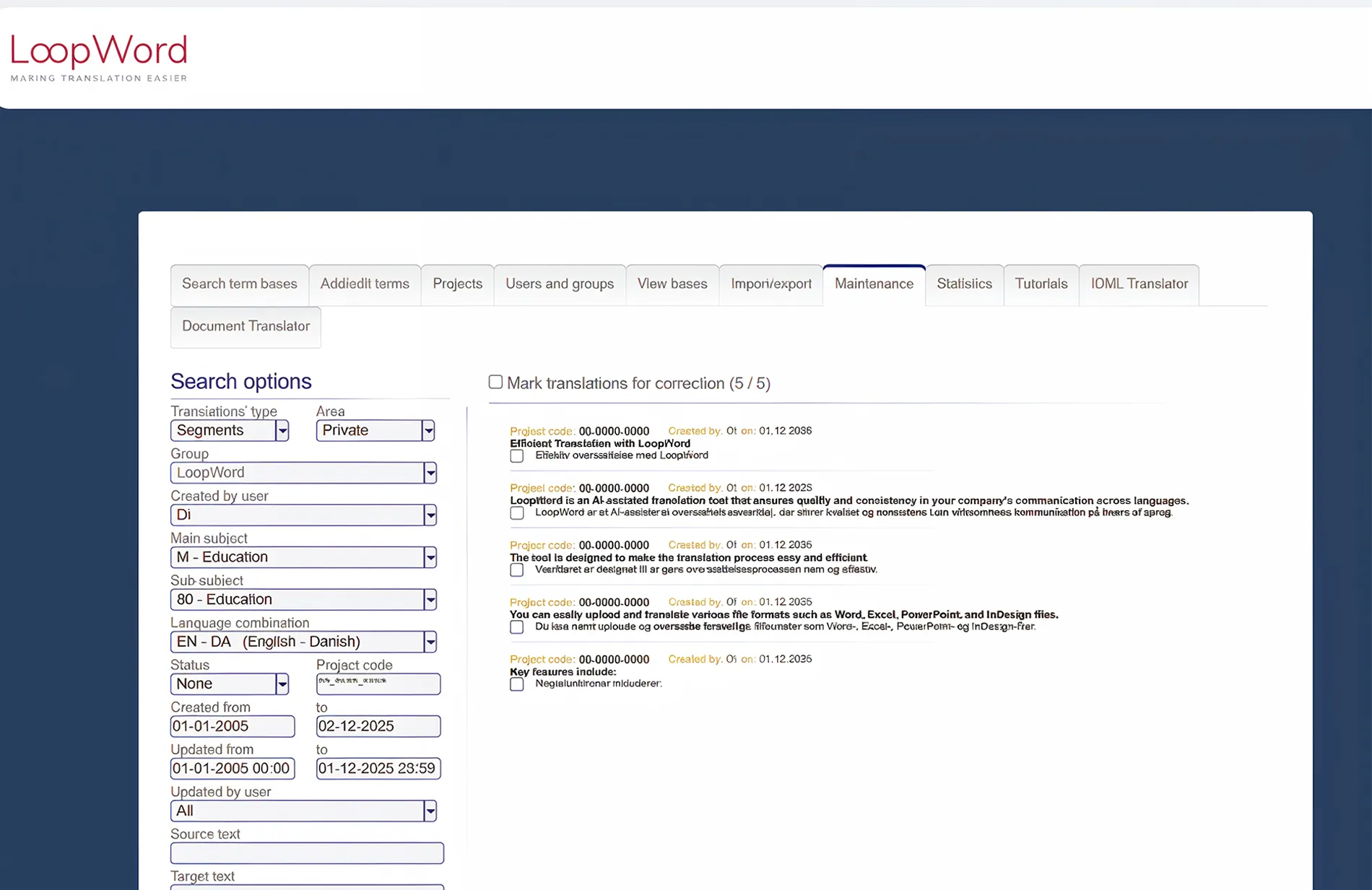
LoopWord remembers your translations and stores words and sentences in a translation memory, ensuring that all linguistic knowledge is preserved and can be reused across the company.
With LoopWord, you can translate text in Word, Excel, PowerPoint, and InDesign files, with the option to use AI (automatic translation) for assistance.
Who uses LoopWord?
LoopWord is designed for inexperienced users (ideally with some knowledge of the target language), as well as professional and experienced translators in companies that need a tool to improve quality, increase speed, and manage terminology.
It is ideal for translation departments, law and accounting firms, and manufacturing companies where linguistic knowledge needs to be stored and preserved, ensuring it can be reused by new employees and not lost during staff turnover.
Some of our customers have previously used our older version, WebWordSystem.
What do our customers say?
I use the system for all quotations and order confirmations. It has proven to save me 1 to 2 hours each time.
We have benefited greatly from the system’s features — especially in Word. The Concordance Search is extremely useful, and we have always been able to get the support we needed whenever required.
The texts we translate at Danish Standards are often structured in the same way and contain a number of identical or similar sections. The system is compatible with our previous system, so we have been able to continue our work on developing the uniformity and increased quality of our translations of standards that we were already establishing.
When we were introduced to the system, we could see that it could help us in both the technical department and the sales department. 10 people in the company received training, and initially we have chosen to license 6 people.
I use the system for all translations, and even though I only use it three to five times a month, I already enjoy the system.
We will also start using the term base, as we have many special terms that we want to get into a database so that the entire organization can benefit from this knowledge.
Why you should choose LoopWord over ChatGPT as your translation tool
View news from LoopNews

LoopWord vs. AI: Why humans are still needed in translation
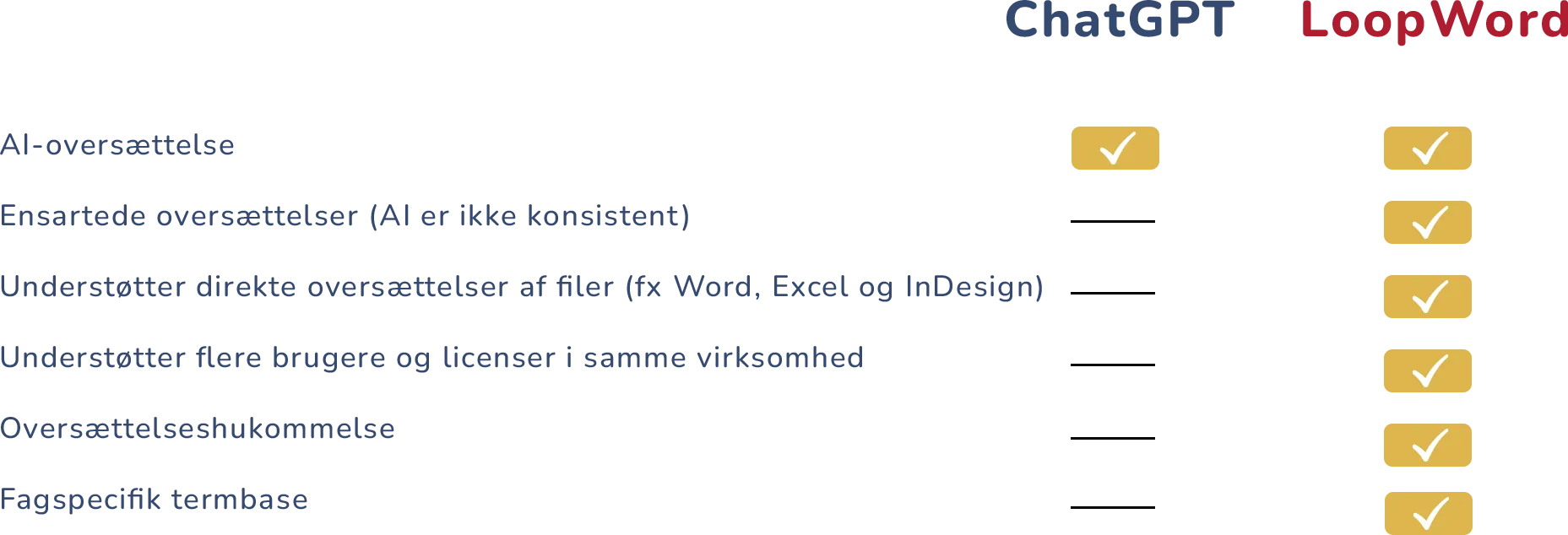
ChatGPT is like a friend who always wants to impress you. Therefore, translations may vary even if you write the same text twice.
LoopWord, on the other hand, is the system that ensures:
– consistent language
– correct terminology
– documented history
– compliance
– control over company data
What is LoopWord – and why does it make sense for businesses?
LoopWord is a Danish-developed translation tool – a so-called CAT tool – designed for companies working professionally with language, documentation and quality assurance.
Typical LoopWord questions
1. What is LoopWord and how can it help my business?
LoopWord is a translation tool that ensures accurate and consistent translations. It helps your business communicate effectively by using advanced technology such as term base and translation memory.
2. How does LoopWord's term base and translation memory work?
The Termbase stores and manages your company’s terminology, while the translation memory reuses previous translations. This ensures consistency and saves time and money.
3. Can I customize LoopWord for my business needs?
Yes, LoopWord offers flexible solutions that can be tailored to your company’s terminology, workflows, and quality requirements.
4. Is LoopWord easy to use for new users?
Absolutely! LoopWord has an intuitive interface that makes it easy to navigate and work efficiently, even for those new to the tool.
5. How much does LoopWord cost and what is included in the price?
Go to “Prices” in the menu for a complete overview.